Essential VS Code Automations for Busy Developers
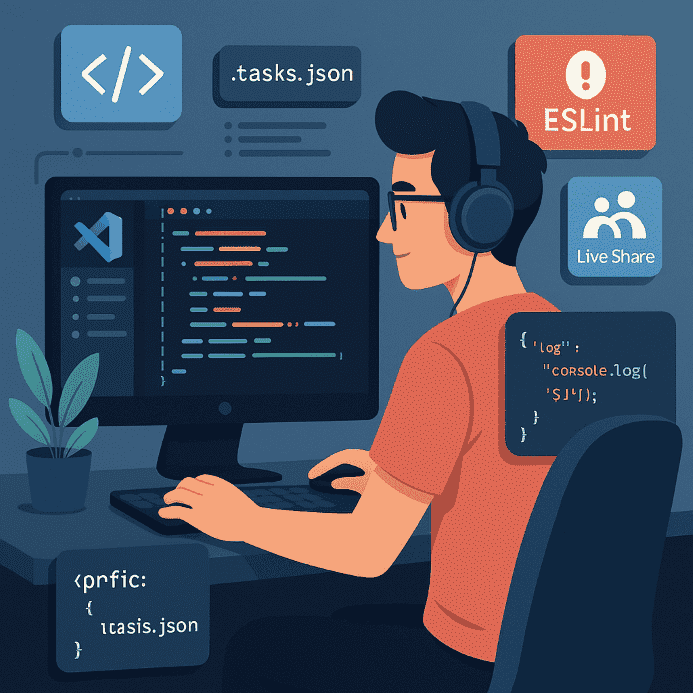
When the deadline is near and you’ve got ten tabs open with code, tests, and a terminal screaming errors, every second counts. Visual Studio Code is no longer just a code editor — it’s a full platform for automation, collaboration, and efficiency. Let’s explore the tricks and extensions that can save you hours in 2025.
1. Custom snippets
Do you often write the same code? Create your own snippets in VS Code and save yourself from repetitive typing.
Example:
"log": {
  "prefix": "clg",
  "body": ["console.log('$1');"],
  "description": "Quick console log"
}
Type clg + TAB → and `console.log()` appears ready to go.
2. Integrated Task Runner
Stop launching builds or local servers manually from the terminal.
Set up tasks.json with your favorite commands and run them with Ctrl+Shift+B.
- NPM scripts: start, build, test
- Laravel: migrate, seed, serve
- Vite: vite dev, vite build
3. Emmet + IntelliSense leveled up
Use Emmet in Blade, JSX, or Vue without errors. Dynamic autocompletions will write your tags and classes for you — if configured correctly.
Tips:
- Enable Emmet in `.blade.php` files
- In
settings.json: set"emmet.includeLanguages"for PHP
4. Real-time collaboration: Live Share
When you want to collaborate on a file without using Git or explaining code over Zoom, Live Share is your savior. Share the session directly — no unnecessary commits.
- Works on Windows, Linux, and Mac
- You can edit the same file simultaneously, like in Google Docs
- Perfect for pair programming or onboarding
5. Extensions worth every byte
- Prettier: auto-formats code on save
- GitLens: see who wrote each line and why
- REST Client: test APIs without Postman
- ESLint: flags errors and inconsistencies instantly
- WakaTime: daily productivity reports
6. What we do at IB-Media
In our team, we use a customized `settings.json` that we replicate across all projects:
"editor.formatOnSave": true"files.trimTrailingWhitespace": true"php.validate.executablePath"set to local XAMPP- Predefined Laravel snippets (`route`, `dd`, `resource`)
The result? Less wasted time, cleaner code, and seamless team sync — no debates in pull requests.




Be the first to comment!