Top 5 Common Web Development Mistakes and How to Avoid Them in 2025
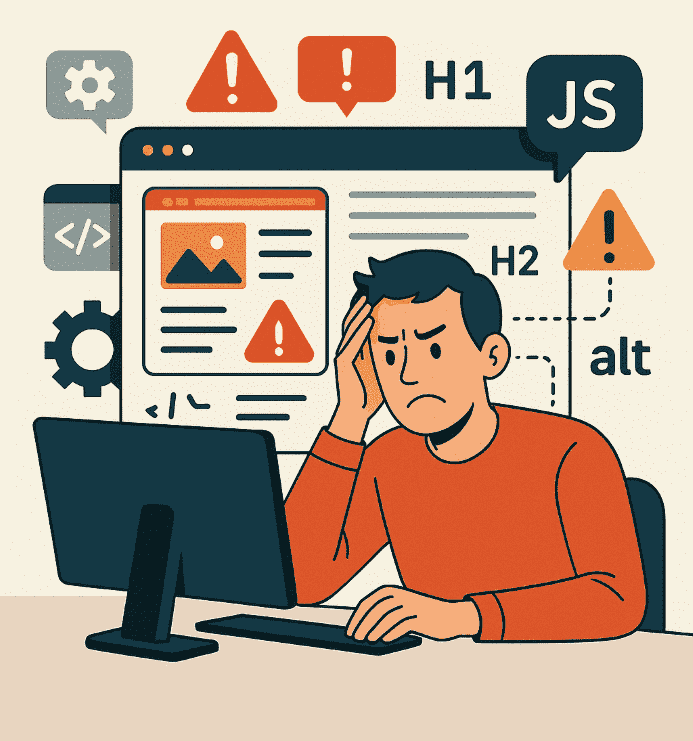
Even in 2025, some classic web development mistakes continue to impact performance, security, and user experience. Technologies evolve, but the pitfalls remain — they just look more modern. In this article, we go through the 5 most common errors and show you how to avoid them elegantly and effectively.
1. Lack of clear semantic structure
Overusing meaningless divs harms SEO, accessibility, and code maintainability. In 2025, search engines value clean, semantic structure (e.g., header, main, article, section).
What to do:
- Use proper HTML5 semantic tags
- Use headings in logical order (H1 → H2 → H3)
- Comment large blocks for clarity
2. Poor mobile optimization
A layout that looks perfect on desktop but is unusable on mobile means lost traffic. Google’s Mobile First Index requires responsive design as a minimum standard.
What to do:
- Test your site on multiple screen sizes (including landscape)
- Avoid fixed units in favor of relative ones (%, rem)
- Optimize touch interactions (minimum button size: 48x48px)
3. Neglecting performance (speed)
A slow site loses conversions and drops in search rankings. Heavy media files, unnecessary JavaScript, and lack of caching are hidden enemies of performance.
What to do:
- Use WebP images and lazy-loading
- Minify CSS/JS and load them asynchronously
- Enable dynamic caching and GZIP on the server
4. Ignoring accessibility (a11y)
Your site must be usable by people with disabilities. Lack of contrast, keyboard navigation, and ARIA tags affects accessibility — and even legal compliance in some industries.
What to do:
- Use alt text for images (alt)
- Test navigation without a mouse
- Check color contrast (minimum 4.5:1)
5. No version control or code tracking
Editing directly on the server? Running without backups? Without Git, you're at the mercy of errors. Version control provides history, collaboration, and rollback.
What to do:
- Use Git even for small projects
- Document each commit and use clear messages
- Never deploy directly from your IDE without version control




Be the first to comment!